Happy Horse 1 Image-to-Video 720p
Transforme fotos estáticas em vídeos suaves em 720p com happy-horse-1-image-to-video-720p
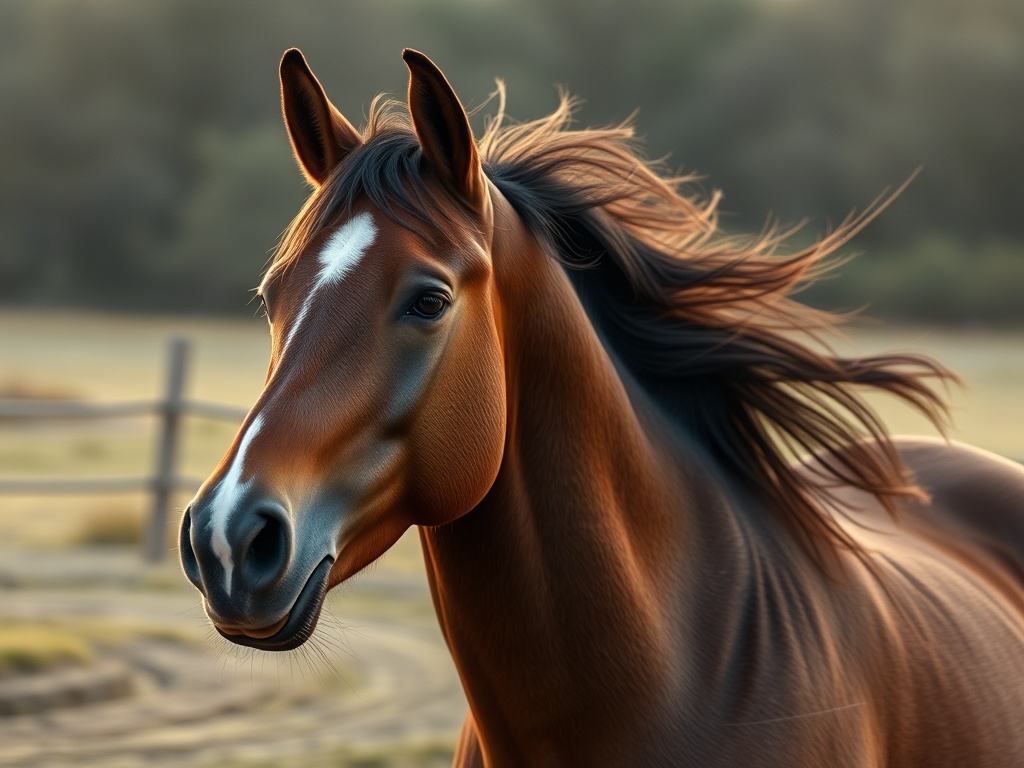
happy-horse-1-image-to-video-720p é um modelo especializado de imagem para vídeo projetado para transformar imagens estáticas em sequências de movimento fluidas e em alta definição. Ao aceitar uma única imagem de origem, ele gera vídeo cinematográfico em 720p que preserva as cores, texturas e composição originais, adicionando movimento natural e temporalmente consistente. Isso o torna uma escolha ideal para criadores que desejam elevar fotografias, ilustrações ou arte conceitual em conteúdo dinâmico sem aprender software de animação complexo.
O modelo se encaixa naturalmente em uma ampla gama de fluxos de trabalho criativos, desde marketing em mídias sociais e vitrines de produtos de e-commerce até produção cinematográfica independente e narrativa digital. Em vez de organizar gravações de vídeo caras ou animar manualmente quadros-chave, artistas e profissionais de marketing podem alimentar ativos visuais existentes diretamente no modelo e receber clipes prontos para transmissão adequados para páginas da web, anúncios e apresentações. Sua capacidade de manter a fidelidade do sujeito entre os quadros significa que as cores da marca, características faciais e detalhes ambientais permanecem intactos ao longo da sequência gerada.
O que diferencia happy-horse-1-image-to-video-720p é seu equilíbrio entre qualidade e acessibilidade. A resolução de saída atinge verdadeiros 720p, entregando detalhes nítidos que se sustentam em monitores modernos, enquanto a síntese de movimento subjacente lida com diversos sujeitos, desde retratos humanos e animais até interiores arquitetônicos e paisagens estilizadas. Seja para uma deriva atmosférica suave para um visualizador de música ou um close-up cinematográfico lento para um storyboard, o modelo adapta sua dinâmica de movimento para corresponder ao clima da imagem de origem.
Para obter o máximo deste modelo, combine-o com uma base visual forte. Imagens de origem nítidas e bem compostas com pontos focais claros produzem os resultados mais suaves, e prompts concisos descrevendo o estilo de movimento desejado ajudam a guiar o processo de geração. Muitos criadores usam o modelo para prototipagem rápida, transformando arte conceitual em provas animadas antes de se comprometer com a produção completa, ou como uma ferramenta de entrega final para conteúdo de formato curto que exige movimento atraente sem uma equipe de vídeo completa.
- Animando fotos de produtos para anúncios de e-commerce
- Dando vida a ilustrações digitais e arte conceitual
- Criando conteúdo dinâmico para mídias sociais a partir de retratos estáticos
- Gerando fundos de movimento atmosférico para projetos de vídeo
- Produzindo protótipos de vídeo rápidos e sequências de storyboard
- Transformando fotografia de paisagem em tomadas de estabelecimento cinematográficas
O modelo mantém as cores, texturas e detalhes do sujeito da imagem original ao longo do clipe gerado, garantindo que a saída pareça uma extensão natural do quadro de origem, em vez de uma animação distorcida.
Ele renderiza vídeo limpo e pronto para transmissão em resolução 720p com estabilidade consistente entre quadros, tornando os resultados adequados para apresentações profissionais, conteúdo web e mídias sociais sem pós-processamento pesado.
Os usuários precisam apenas de uma imagem estática para gerar movimento, eliminando a necessidade de múltiplos quadros de referência, rigging complexo ou animação manual de quadros-chave.
De retratos humanos a cenas arquitetônicas e obras de arte estilizadas, o modelo adapta sua dinâmica de movimento para se adequar a uma ampla gama de tipos de conteúdo e estilos artísticos.
- Comece com uma imagem de origem nítida e bem iluminada que tenha um ponto focal claro e separação de fundo distinta
- Use uma proporção de retrato ou paisagem que corresponda à sua plataforma de entrega final para evitar cortes desnecessários
- Mantenha os prompts focados no tipo de movimento, como panorâmica suave, nuvens à deriva ou virada sutil de cabeça, em vez de descrever novos objetos
- Se a saída parecer muito rápida ou instável, diminua a força do movimento ou aumente o número de passos para transições mais suaves
- Reutilize a mesma semente com configurações ajustadas para refinar o movimento enquanto mantém a composição geral consistente
- Para vídeos em loop, solicite movimento ambiente contínuo como neve caindo ou luz de vela tremeluzente em vez de ações abruptas
- Tem dificuldade com interações complexas de múltiplos sujeitos ou anatomia humana precisa ao longo do tempo
- Texto e tipografia fina dentro da imagem de origem podem distorcer ou perder legibilidade durante o movimento
- Não suporta geração de áudio ou design de som sincronizado
- Imagens de origem altamente abstratas ou de resolução extremamente baixa podem produzir artefatos de movimento imprevisíveis
- Movimentos de câmera são limitados aos estilos de movimento aprendidos durante o treinamento e podem não corresponder à intenção exata do diretor
Beco cyberpunk iluminado por néon à noite, chuva forte caindo, vapor subindo de dutos de ventilação, hologramas distantes piscando, calçada molhada refletiva, aproximação lenta da câmera, cinematográfico 720p
Locomotiva a vapor antiga subindo por montanhas nevadas, fumaça saindo, neve caindo suavemente, luz do sol da hora dourada, atmosfera majestosa e nostálgica
Recife de coral vibrante repleto de peixes tropicais, ondulações de água suaves dançando no fundo do mar, avanço lento através da cena, água turquesa cristalina
Estação espacial futurista orbitando um planeta azul, rotação lenta revelando painéis solares, estrelas distantes cintilando, luz ambiente suave do planeta abaixo, cinematografia épica de ficção científica
Quadros por segundo. Valores mais altos criam movimento mais suave, enquanto valores mais baixos dão uma aparência mais estilizada e entrecortada.
Um número que inicializa a aleatoriedade. Usar a mesma semente com entradas idênticas permite reproduzir ou combinar de perto um vídeo anterior.
O número de etapas de difusão usadas para criar cada quadro. Mais etapas podem melhorar o detalhe e a suavidade, mas demoram mais para gerar.
Quantos segundos o vídeo final deve durar. Clipes mais curtos renderizam mais rápido e geralmente parecem mais suaves.
A proporção largura-altura do vídeo de saída, como 16:9 para widescreen ou 9:16 para clipes verticais de redes sociais.
O quão próximo o modelo segue seu prompt. Valores mais baixos permitem mais liberdade criativa; valores mais altos impõem aderência ao prompt.
Controla quanto movimento ocorre entre os quadros. Aumente para ação dramática, diminua para movimento sutil e suave.
Os preços exibidos são o que você paga na Muitto. Sem surpresas.
Para que happy-horse-1-image-to-video-720p é melhor?
Ele é excelente para transformar imagens estáticas únicas em clipes de vídeo curtos e suaves em 720p para marketing, mídias sociais e narrativa criativa. Use-o sempre que precisar de movimento, mas tiver apenas uma fotografia ou ilustração para começar.
Quanto custa?
Os custos de uso dependem da duração da geração e do tempo de processamento. Reserve alguns testes para estimar as despesas antes de se comprometer com um grande projeto.
Posso usá-lo comercialmente?
Os direitos comerciais dependem dos termos de licença sob os quais você acessa o modelo. Sempre revise os termos de serviço aplicáveis para confirmar que os vídeos gerados estão liberados para uso pago e promocional.
Qual formato de imagem funciona melhor?
Arquivos PNG ou JPEG de alta resolução com sujeitos claros e bom contraste produzem os resultados mais limpos. Evite imagens borradas, altamente comprimidas ou com muito texto quando possível.
Quanto tempo duram os vídeos gerados?
A duração da saída é controlada pelo parâmetro de duração e geralmente abrange alguns segundos. Estender a linha do tempo aumenta o tempo de renderização, mas permanece ideal para conteúdo de formato curto.
Posso controlar o movimento da câmera?
Você pode guiar o movimento através de prompts de texto e parâmetros como força de movimento, embora comandos precisos de câmera sejam interpretados de forma flexível, em vez de movimentos mecânicos exatos.