Happy Horse 1.1 (text To Video, 1080p)
happy-horse-1.1-text-to-video-1080p transforma prompts de texto em clipes de vídeo cinematográficos em 1080p
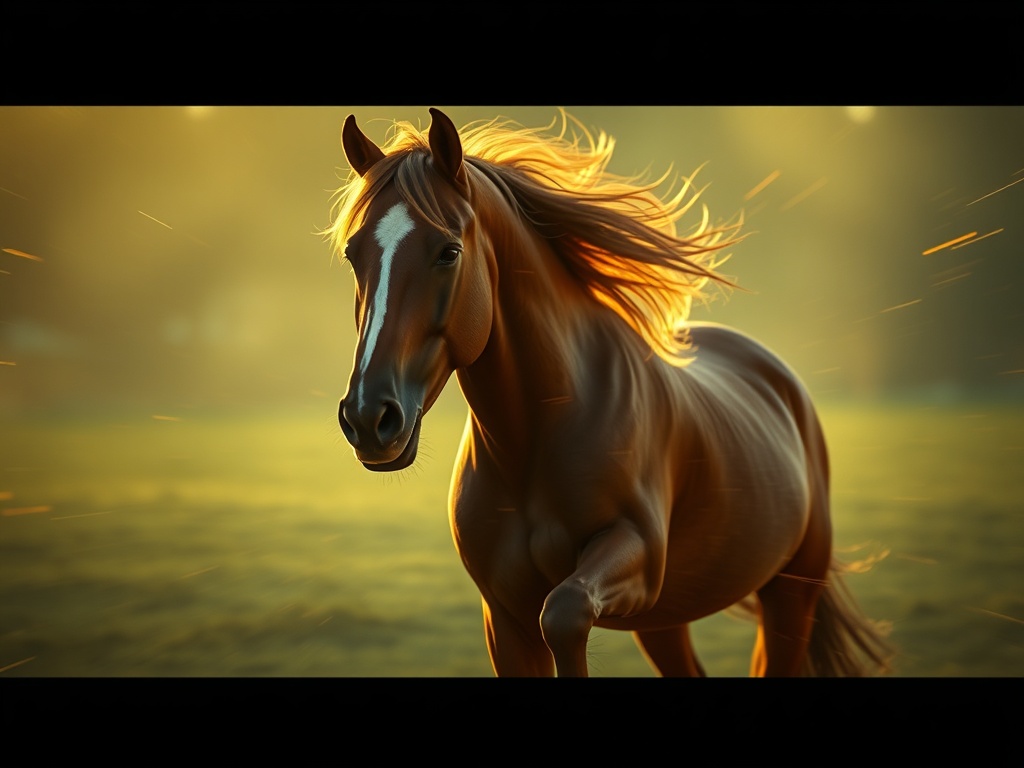
happy-horse-1.1-text-to-video-1080p é um modelo de geração de vídeo a partir de texto que produz imagens em Full HD 1080p a partir de prompts de texto simples. Ele preenche a lacuna entre a imaginação e as imagens em movimento, permitindo que escritores, profissionais de marketing e cineastas prototipem cenas em minutos, em vez de dias.
Use-o quando precisar visualizar conceitos dinâmicos, criar conteúdo para mídias sociais, esboçar storyboards ou gerar imagens de fundo para projetos criativos. O modelo se destaca em renderizar movimento natural, iluminação atmosférica e movimentos de câmera coerentes que parecem cinematográficos.
Ao contrário de alternativas de resolução mais baixa, este modelo produz detalhes nítidos em 1080p que se mantêm em telas modernas. Ele lida com prompts complexos envolvendo múltiplos sujeitos, efeitos ambientais e direções estilísticas, mantendo o movimento estável entre os quadros.
Insira os clipes gerados diretamente em linhas do tempo de edição para mood boards, pitch decks ou sequências de pré-visualização. Como os resultados chegam em formato HD padrão, eles se encaixam perfeitamente em pipelines profissionais sem necessidade de upscaling pesado ou conversão de formato.
Seja produzindo trailers de fantasia, showcases de produtos ou loops de arte abstrata, o happy-horse-1.1-text-to-video-1080p oferece um ponto de entrada acessível para geração de vídeo de alta qualidade. Seu equilíbrio entre resolução, fidelidade de movimento e aderência ao prompt o torna uma ferramenta versátil tanto para amadores quanto para criadores de conteúdo profissionais.
- Anúncios em mídias sociais e conteúdo de formato curto
- Pré-visualização de storyboards para filmes e animação
- Fundos de videoclipes e loops visuais
- Showcases de produtos e clipes promocionais
- Arte conceitual de fantasia e ficção científica em movimento
- Visuais explicativos educacionais e recriações históricas
- Lookbooks de moda e peças de atmosfera
Gera imagens diretamente em Full HD, para que os clipes pareçam nítidos em telas modernas e não exijam upscaling antes do uso.
Sujeitos e fundos permanecem estáveis ao longo do clipe, reduzindo cintilações e mudanças repentinas de forma comuns em gerações de vídeo anteriores.
Entende prompts de movimento direcional como zoom lento, panorâmica e travelling, adicionando um acabamento profissional sem keyframing manual.
Renderiza desde cenas fotorrealistas até animações estilizadas com base em adjetivos descritivos no seu prompt.
- Comece os prompts com o sujeito e a ação, depois adicione detalhes de cenário e iluminação.
- Use palavras de direção de câmera como 'panorâmica lenta para a direita' ou 'plano geral estático' para controlar o movimento.
- Especifique um horário do dia e clima para melhorar a atmosfera e a profundidade.
- Mantenha os clipes iniciais com menos de cinco segundos para a melhor coerência de movimento.
- Adicione 'cinematográfico' ou 'grão de filme' para uma estética mais profissional, parecida com cinema.
- Use prompts negativos para evitar borrões, distorções ou artefatos indesejados semelhantes a marcas d'água.
- Tem dificuldade com texto preciso e sinalização legível dentro dos quadros gerados.
- Interações humanas complexas ou movimentos detalhados dos dedos podem parecer não naturais.
- Narrativas contínuas muito longas além de clipes curtos não são suportadas.
- Cenas de ação extremamente rápidas podem, às vezes, desfocar ou perder a definição do sujeito.
Tomada cinematográfica ampla de um único caminhante em uma crista de montanha nevada, luz do sol da hora dourada, vento soprando partículas de neve, nuvens dramáticas, visual de filme 1080p
Cena subaquática profunda com águas-vivas brilhantes flutuando em águas azuis escuras, efeitos de partículas, clima etéreo, aproximação lenta da câmera, iluminação cinematográfica
Mercado de rua europeu movimentado dos anos 1920, luz da tarde quente, vendedores vendendo flores, gradação de cor vintage, panorâmica suave da câmera pela multidão
Hovercar elegante acelerando por um desfiladeiro desértico futurista ao anoitecer, rastros de poeira, lens flares, travelling em alta velocidade, estilo cinematográfico de ficção científica
Quadros por segundo; taxas cinematográficas padrão como 24 fps criam movimento parecido com filme, enquanto taxas mais altas parecem mais suaves.
Um número que inicializa a aleatoriedade; reutilize a mesma seed com um prompt idêntico para obter resultados reproduzíveis.
O número de etapas de processamento que o modelo realiza; mais etapas podem refinar detalhes, mas levam mais tempo para gerar.
Quantos segundos o vídeo gerado dura; durações mais curtas geralmente produzem movimento mais nítido.
A proporção largura-altura do quadro de vídeo, como 16:9 para widescreen ou 9:16 para clipes verticais.
O quão próximo o modelo segue seu prompt de texto; valores mais altos aderem mais às descrições, mas podem parecer menos naturais.
Um campo de texto descrevendo o que você não quer que apareça no vídeo, como borrão, distorção ou membros extras.
Os preços exibidos são o que você paga na Muitto. Sem surpresas.
Para que o happy-horse-1.1-text-to-video-1080p é melhor?
Ele se destaca na criação de clipes curtos e cinematográficos em 1080p para storytelling, publicidade e visualização de conceitos a partir de descrições de texto simples.
Posso usar os vídeos gerados comercialmente?
Os direitos de uso dependem dos termos de licença específicos fornecidos com o modelo. Sempre revise o contrato de licença atual antes de usar a saída em projetos comerciais.
Quanto tempo duram os vídeos que ele cria?
O modelo normalmente produz clipes de alta definição com duração de alguns segundos, sendo ideal para cenas curtas, loops e pré-visualização, em vez de filmes completos.
Preciso de experiência em edição de vídeo para usá-lo?
Não é necessária experiência prévia em edição. Você só precisa escrever um prompt de texto, e o modelo cuida da renderização e do movimento para você.
Quais proporções de tela ele suporta?
Ele é otimizado para saída widescreen padrão em 1080p, mas as opções de configuração disponíveis podem permitir outros formatos.
Como posso melhorar a suavidade do movimento nos meus resultados?
Use verbos de ação claros, evite cenas muito cheias e especifique uma linguagem de câmera estável como 'travelling suave' para reduzir tremores.